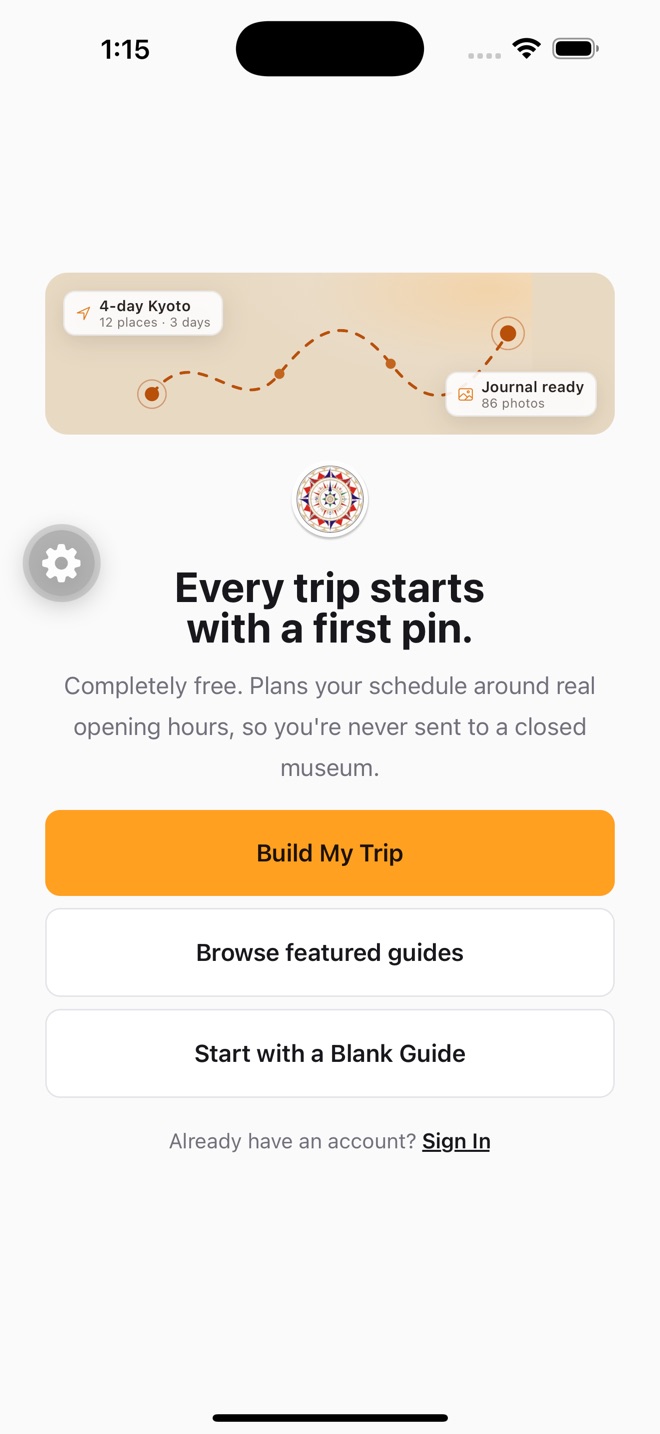
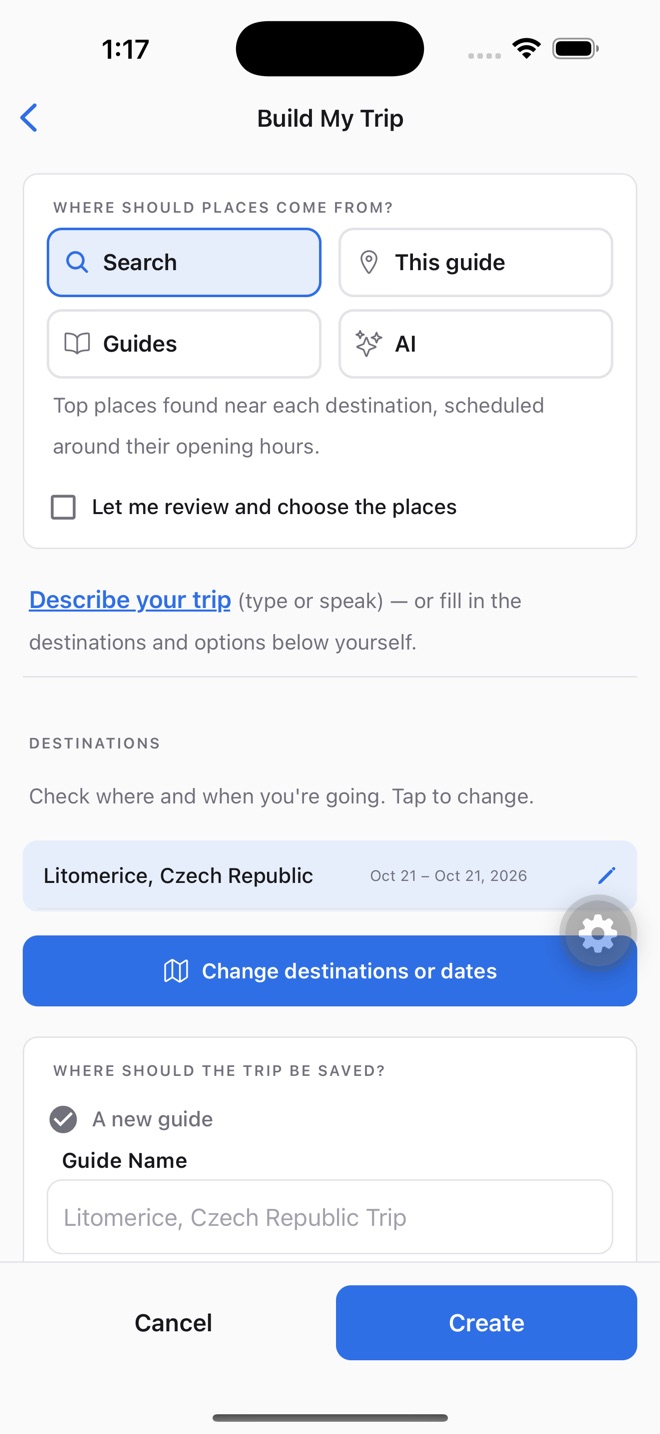
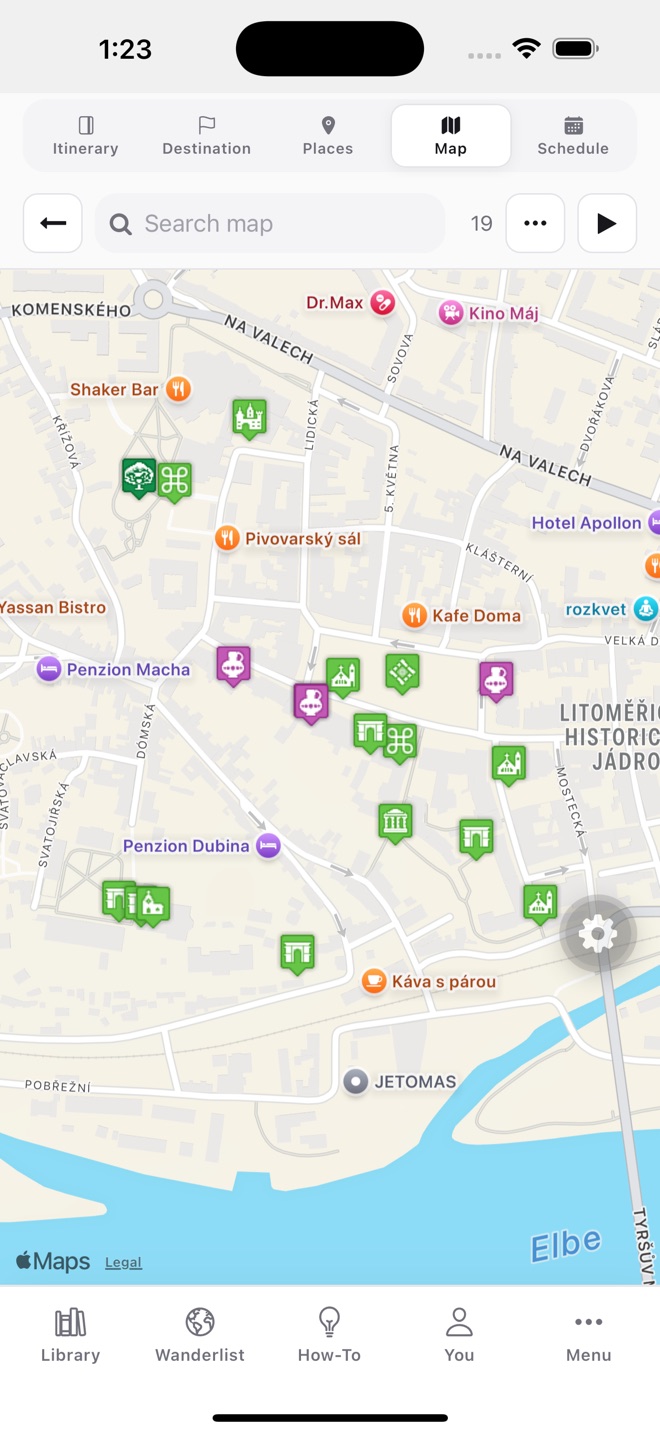
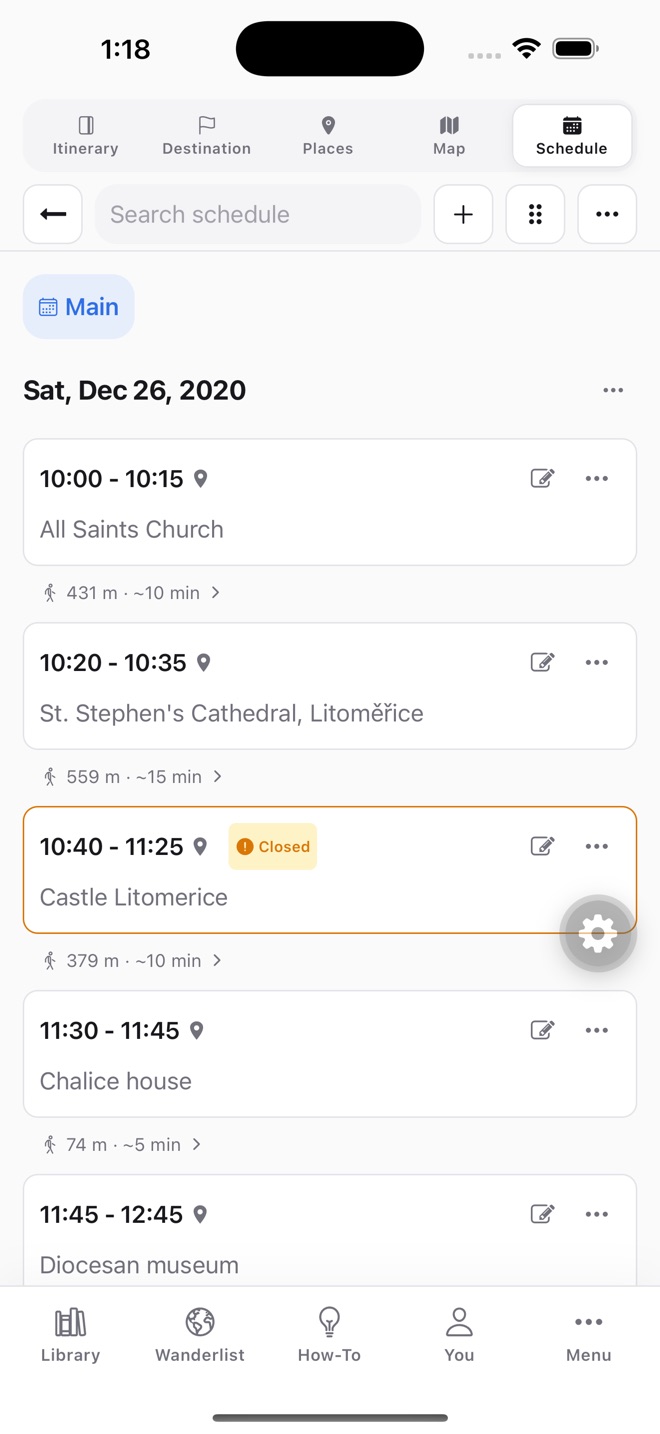
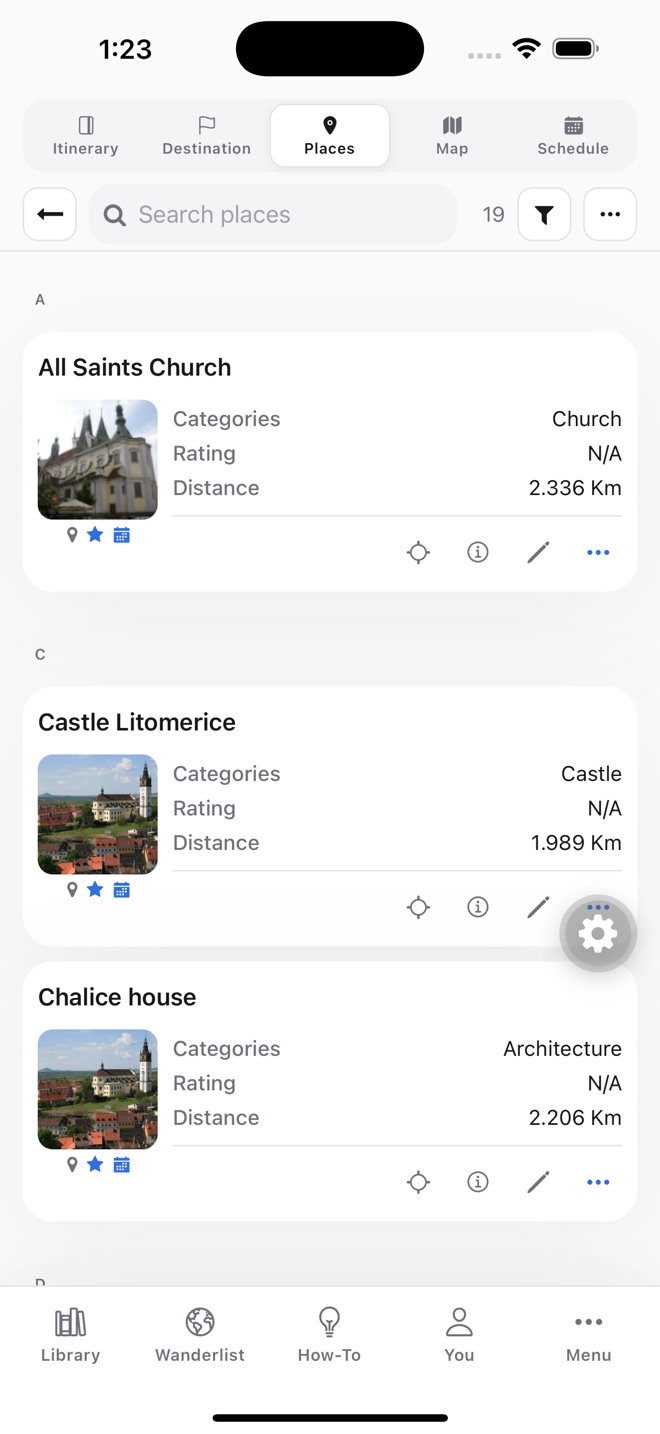
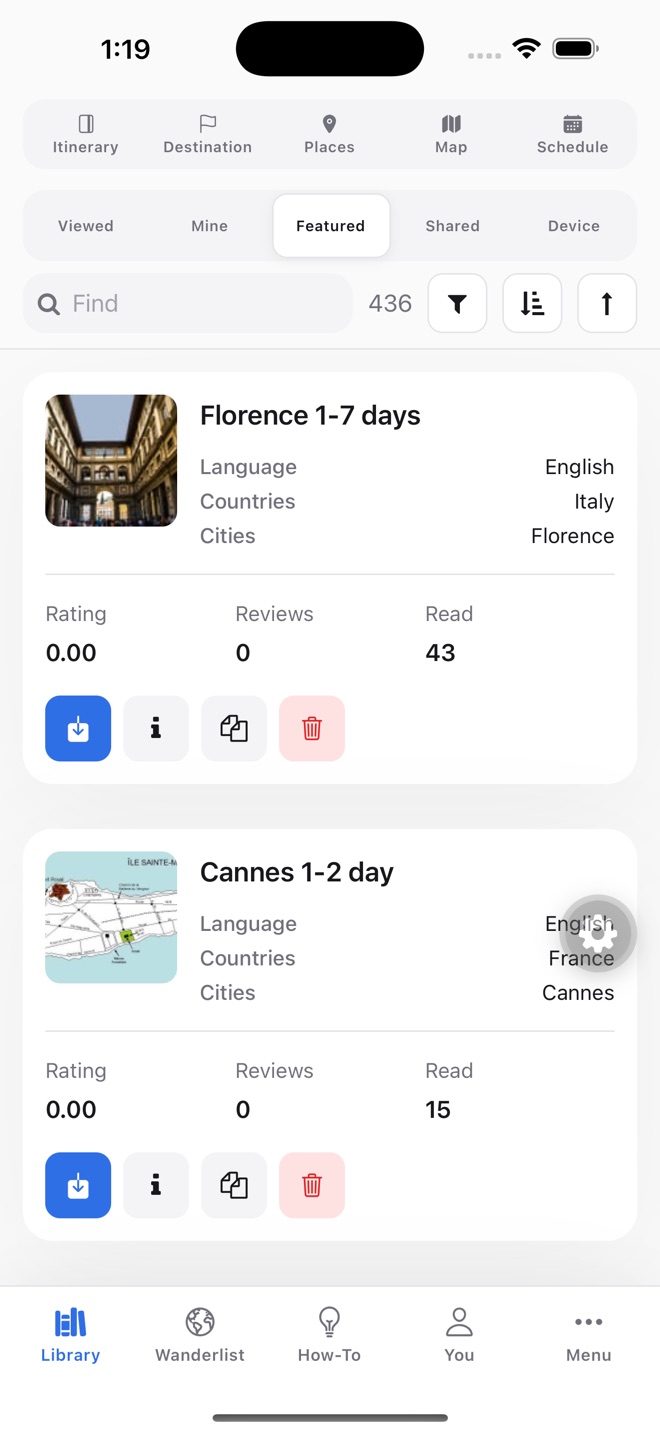
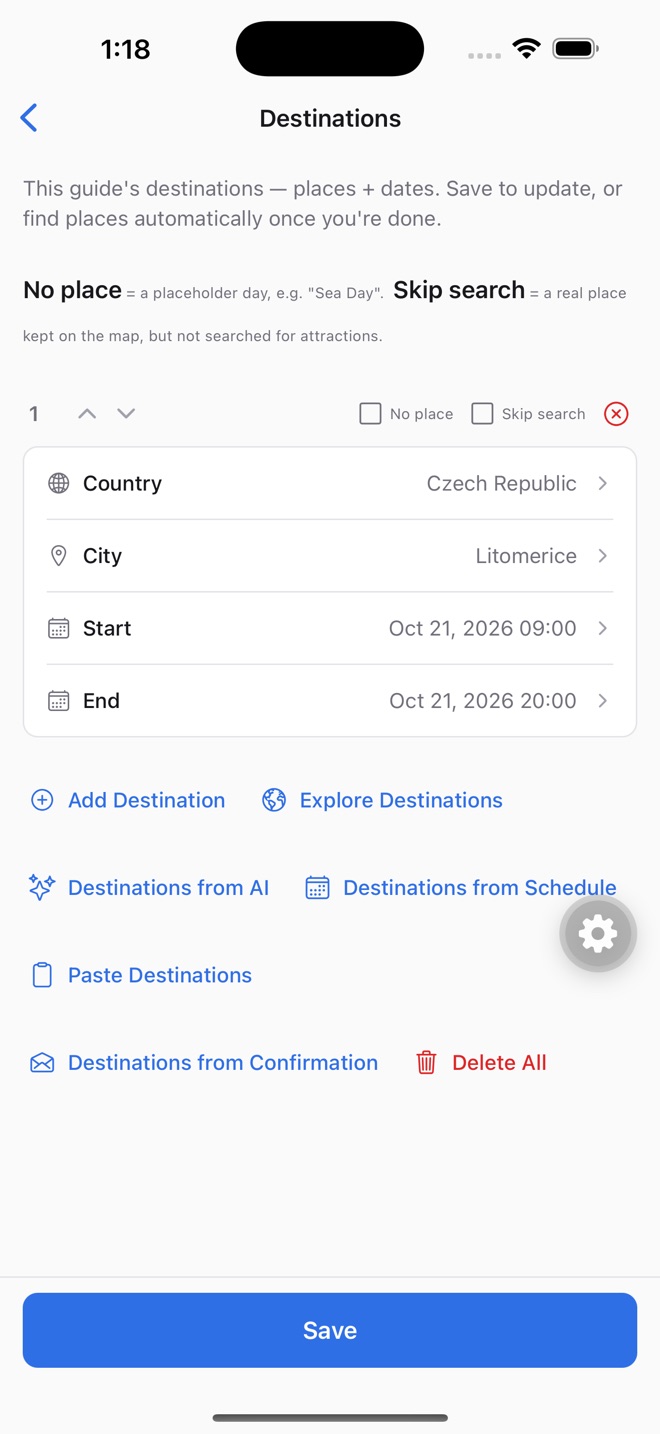
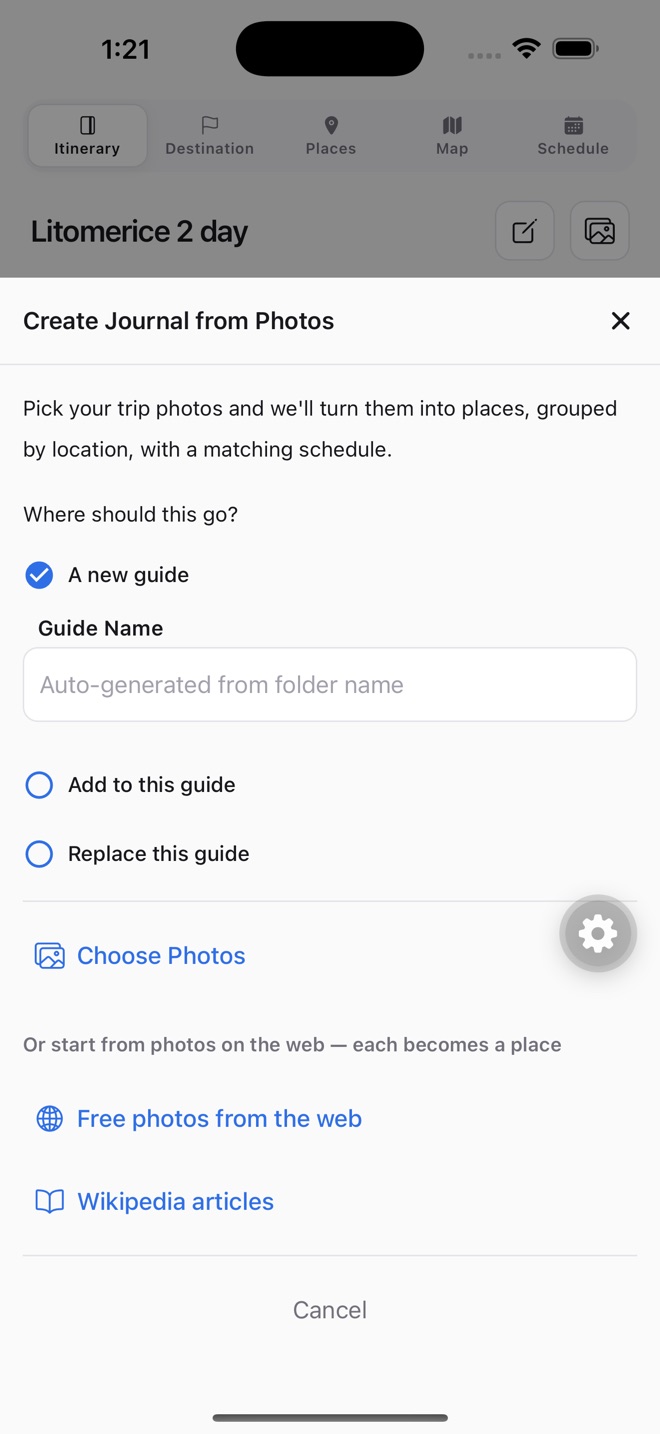
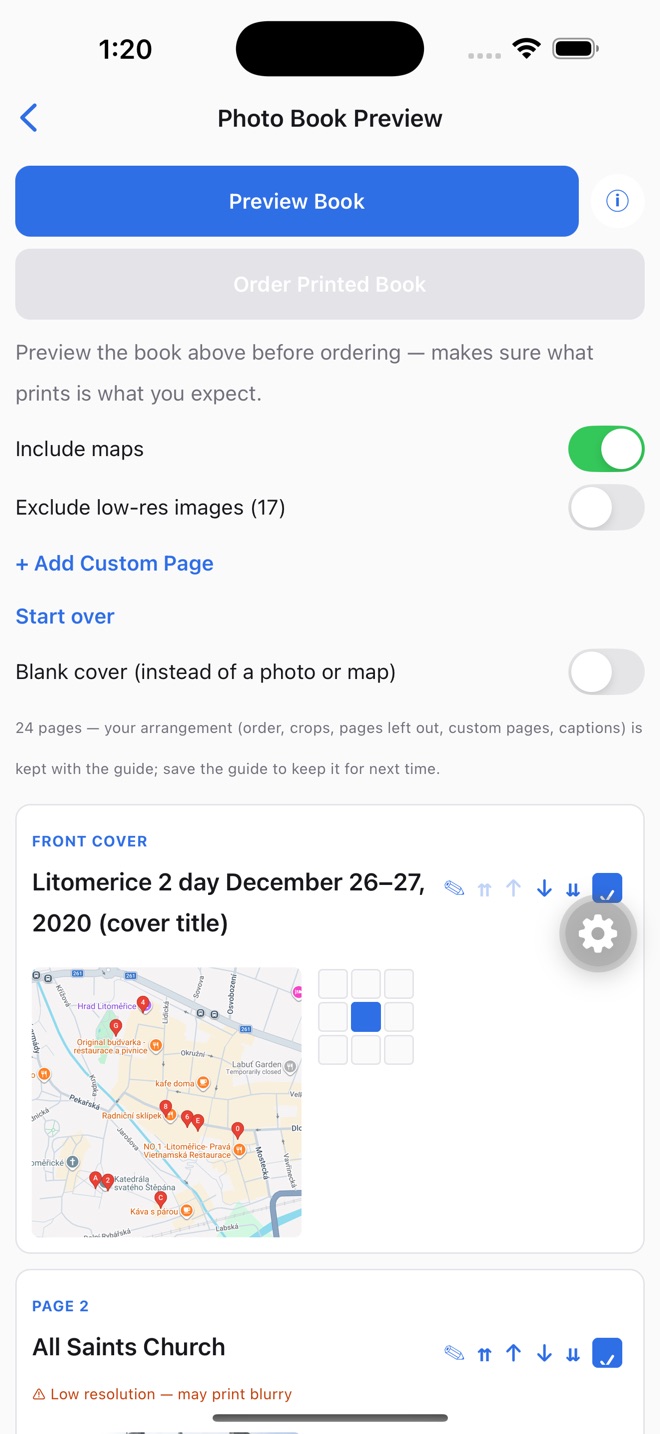
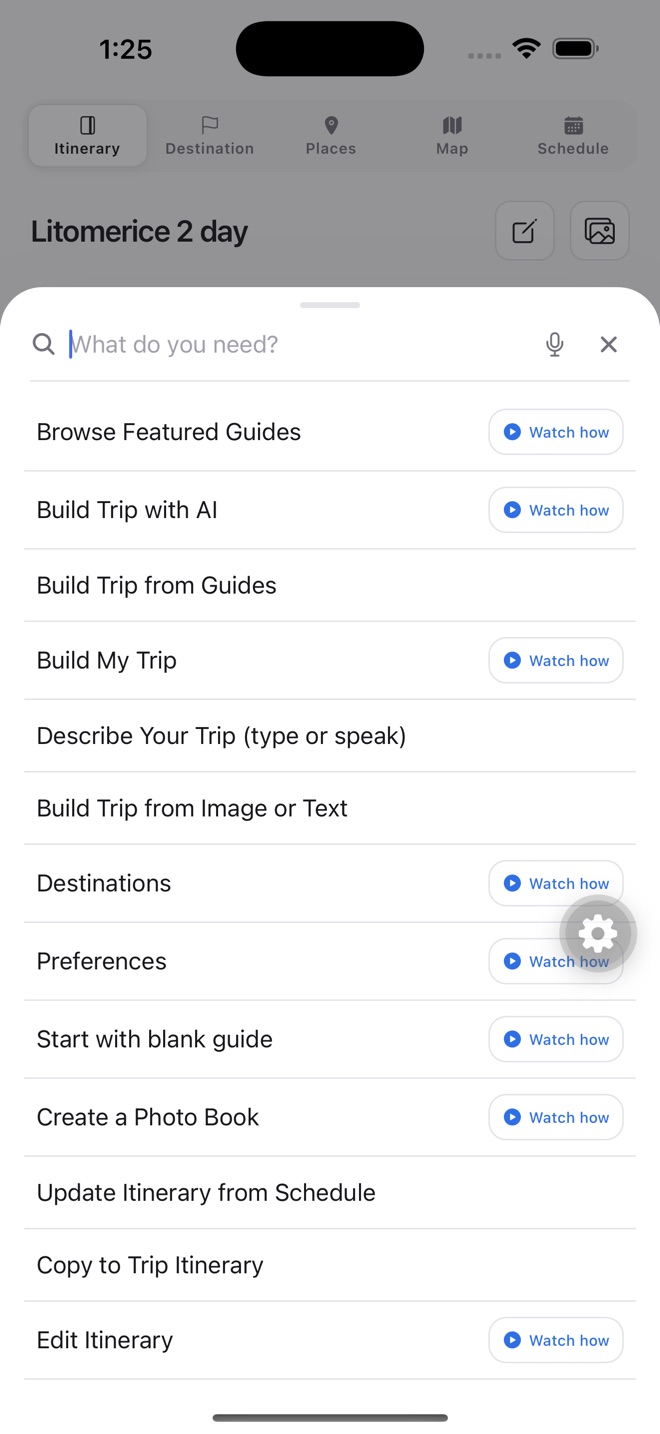
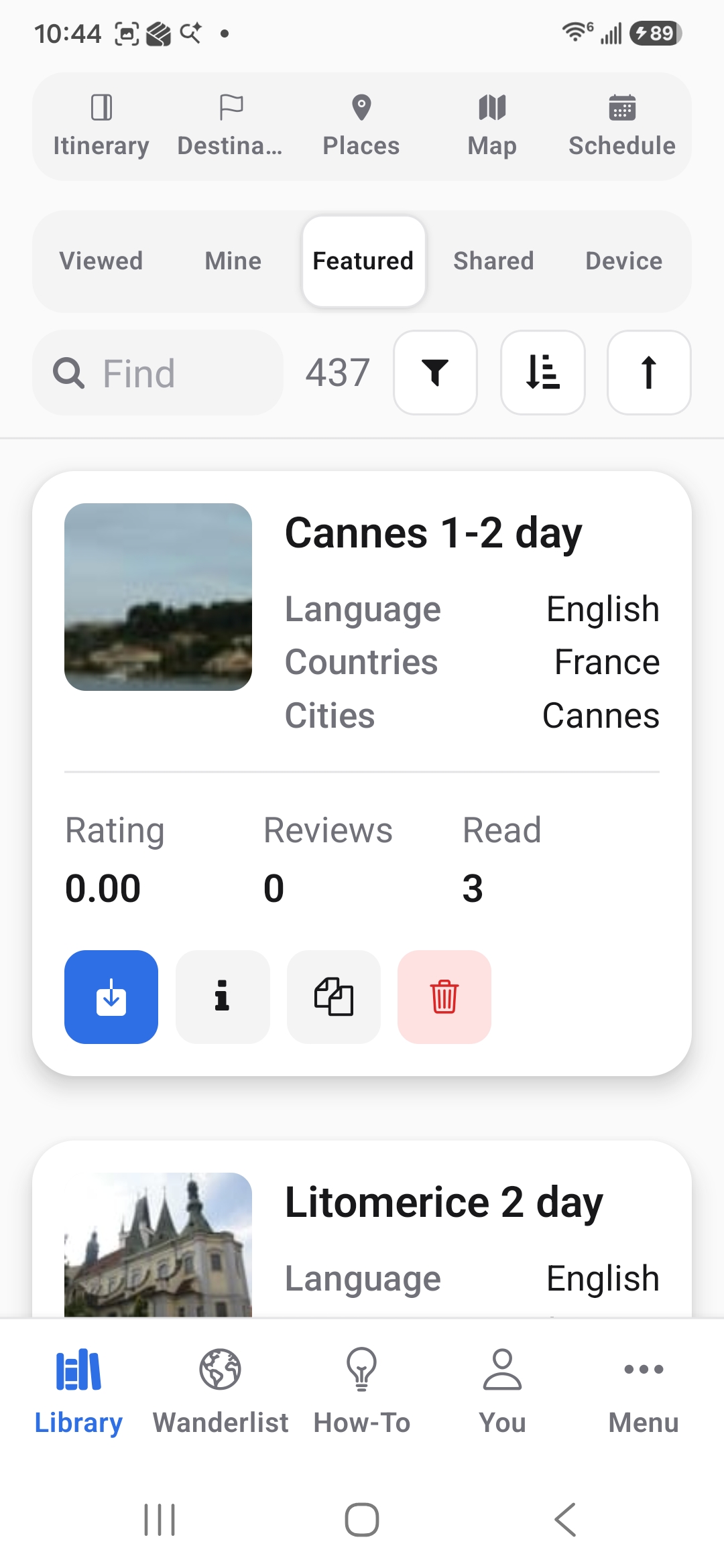
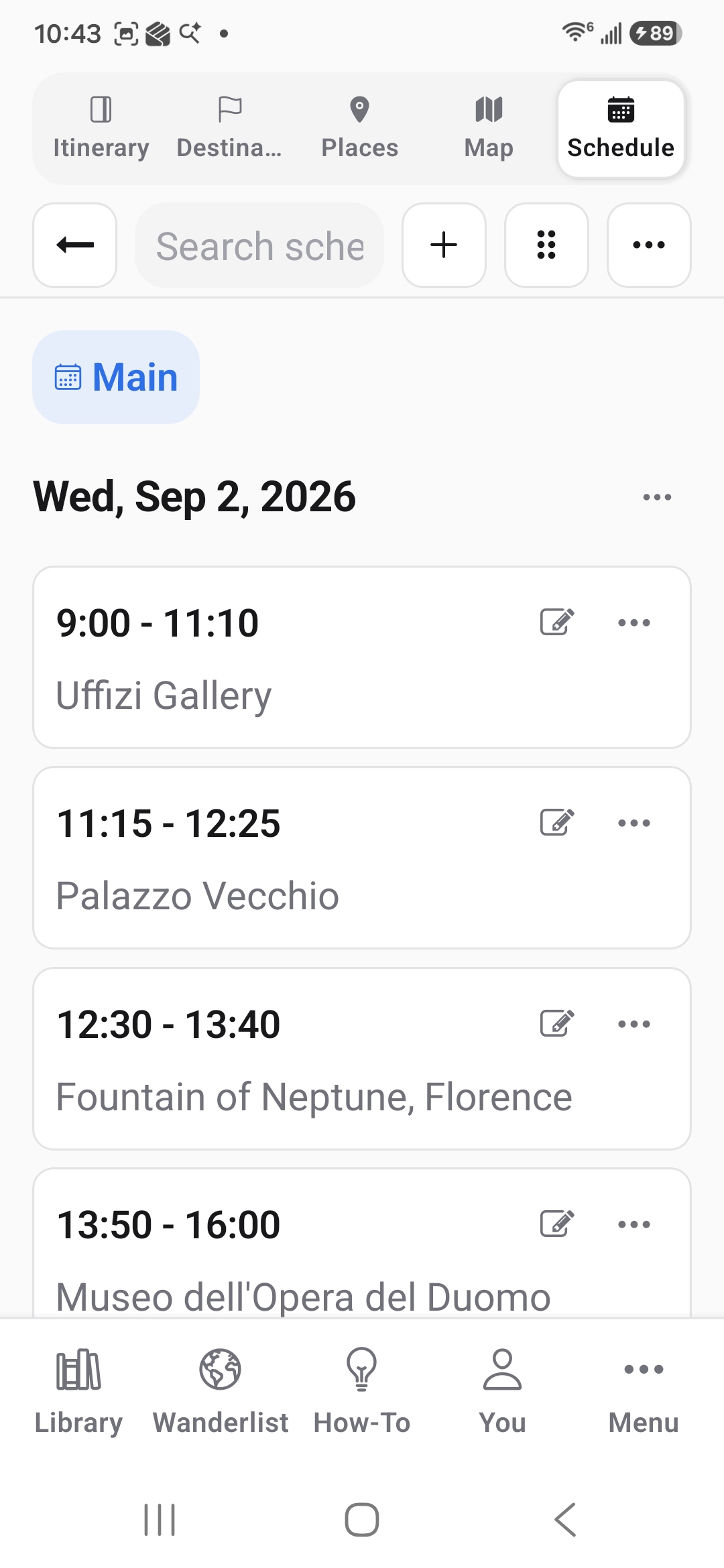
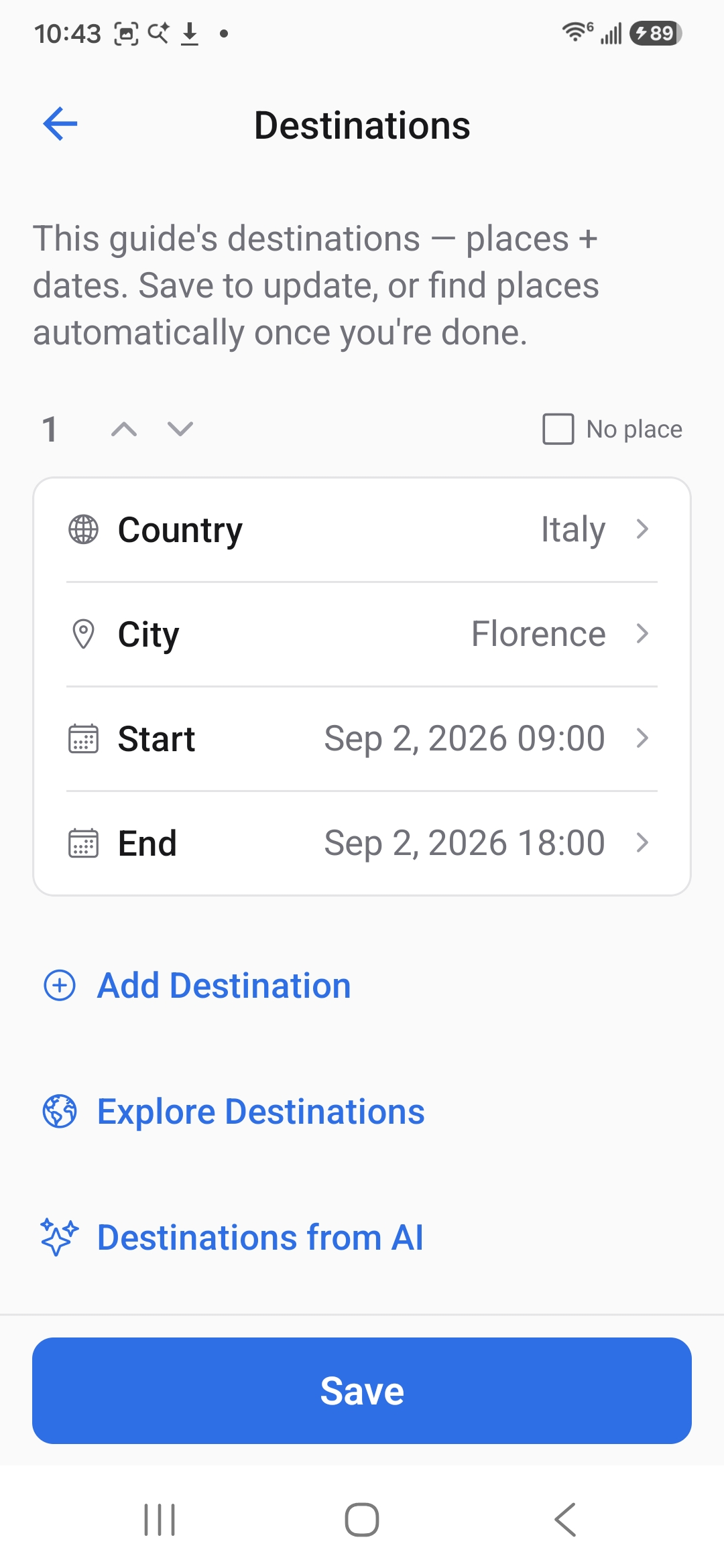
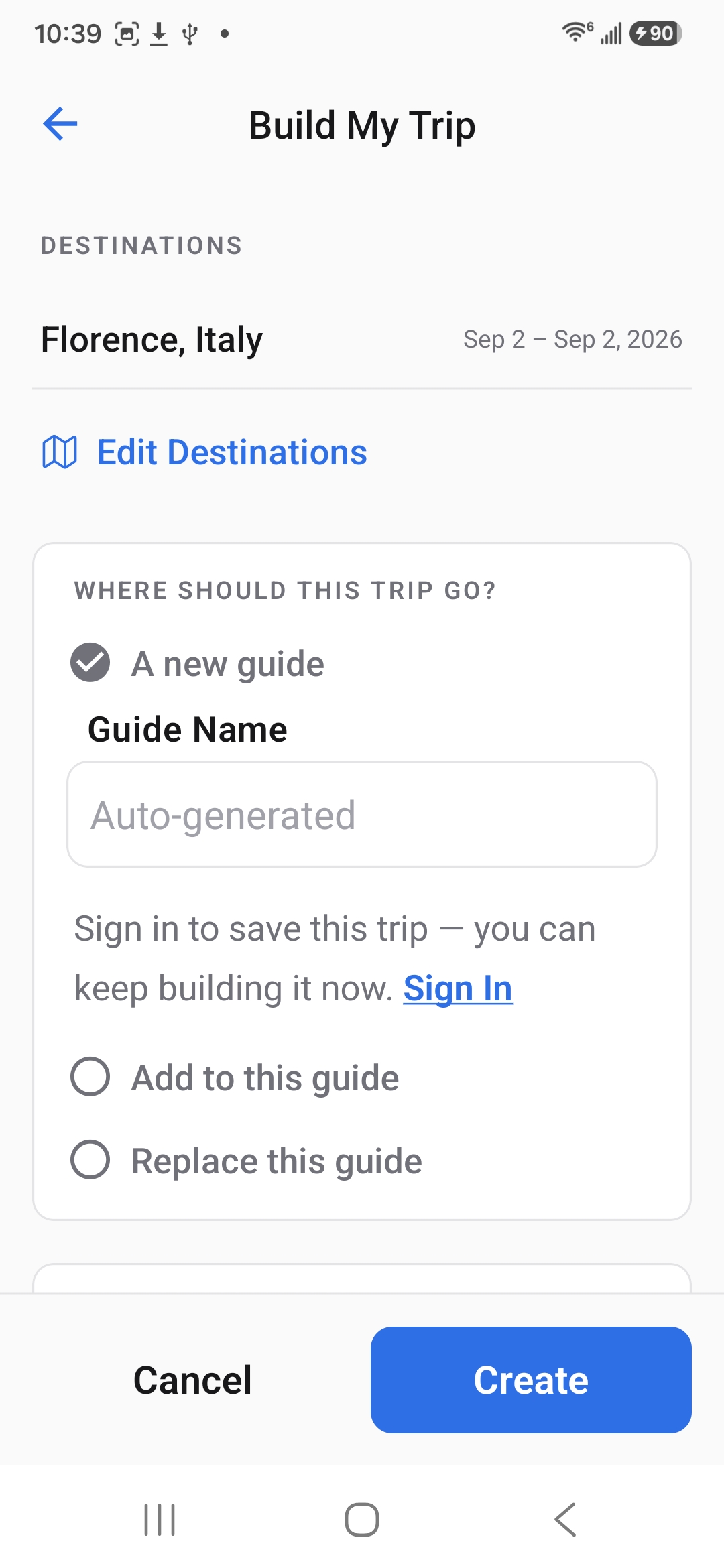
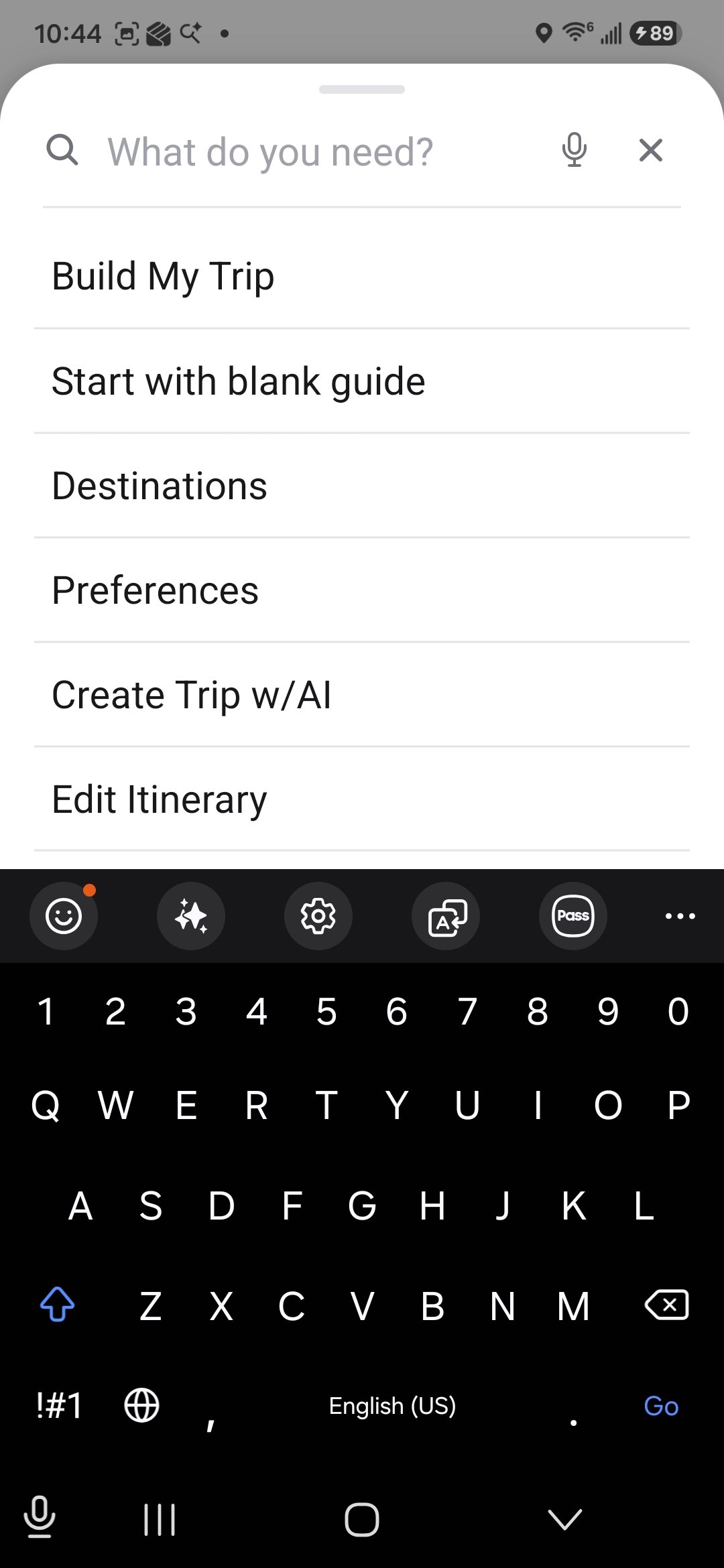
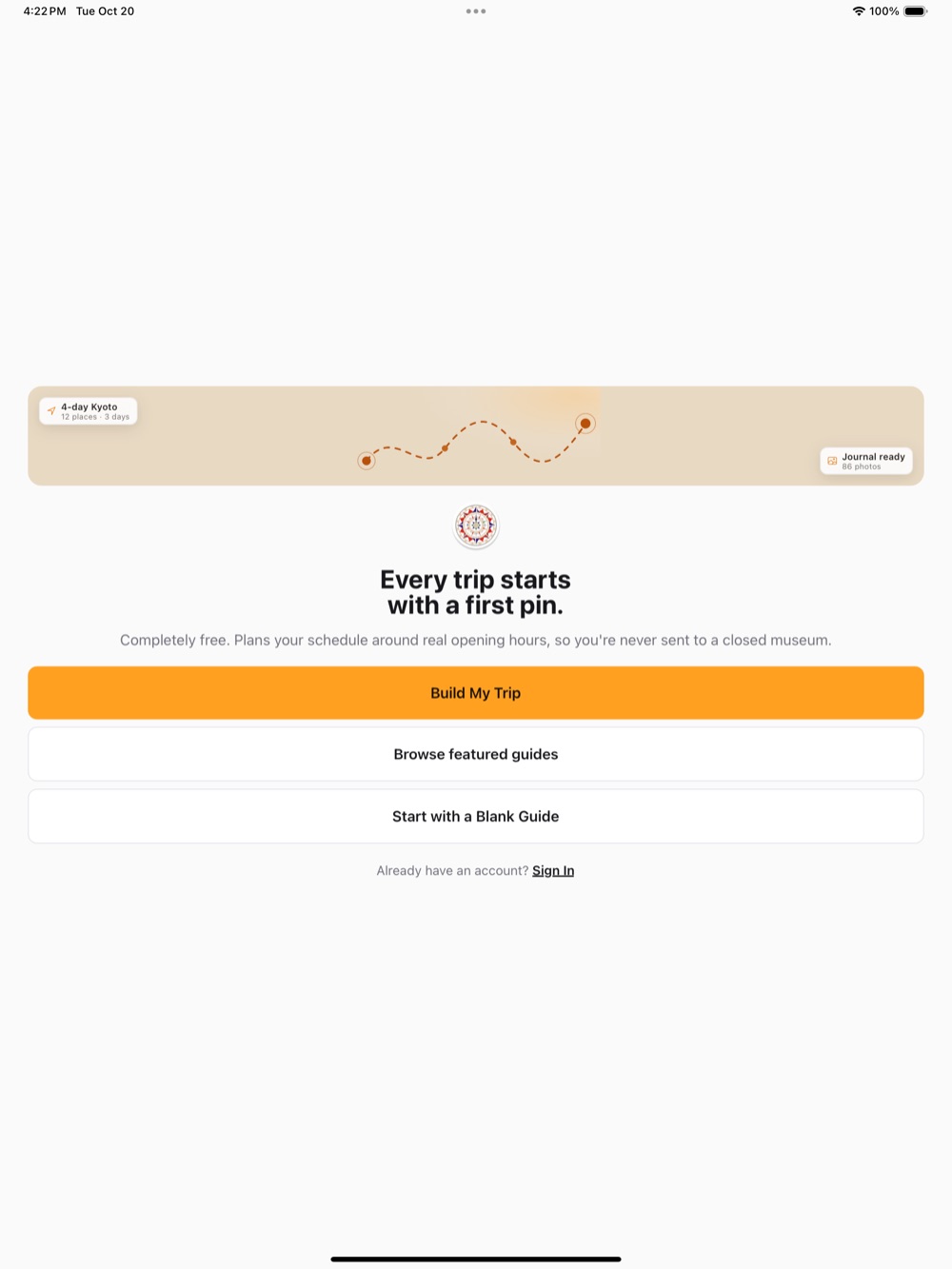
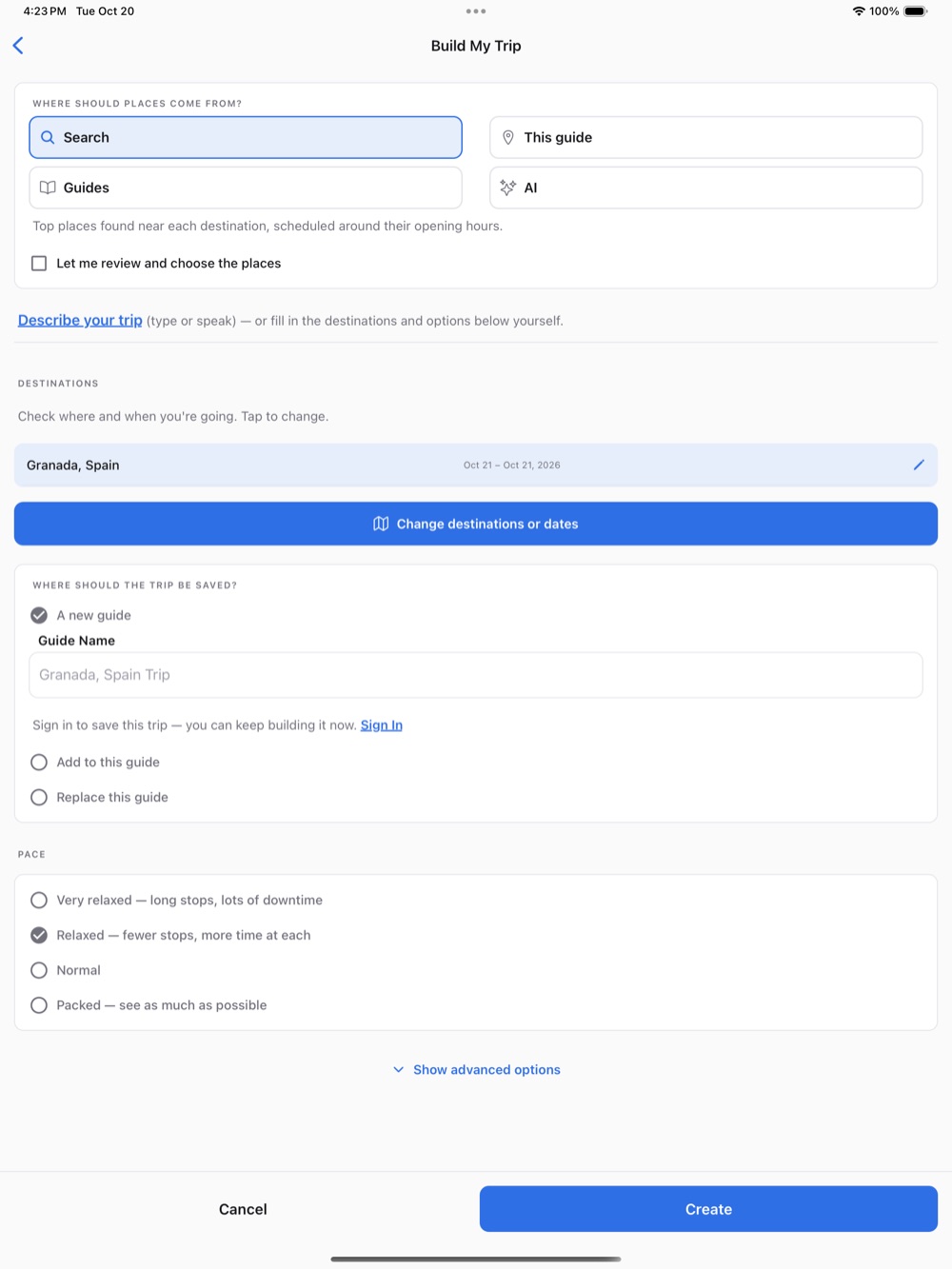
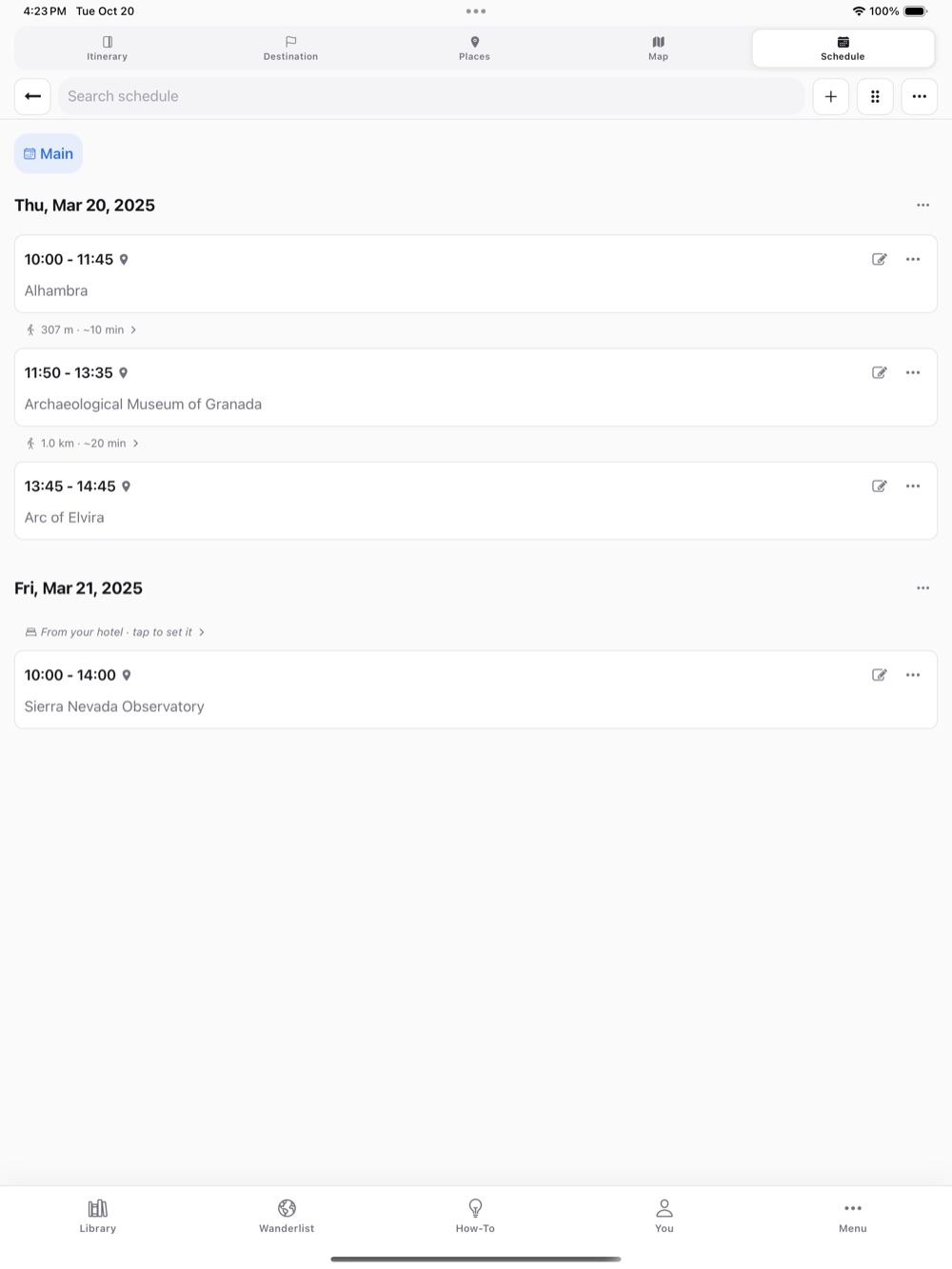
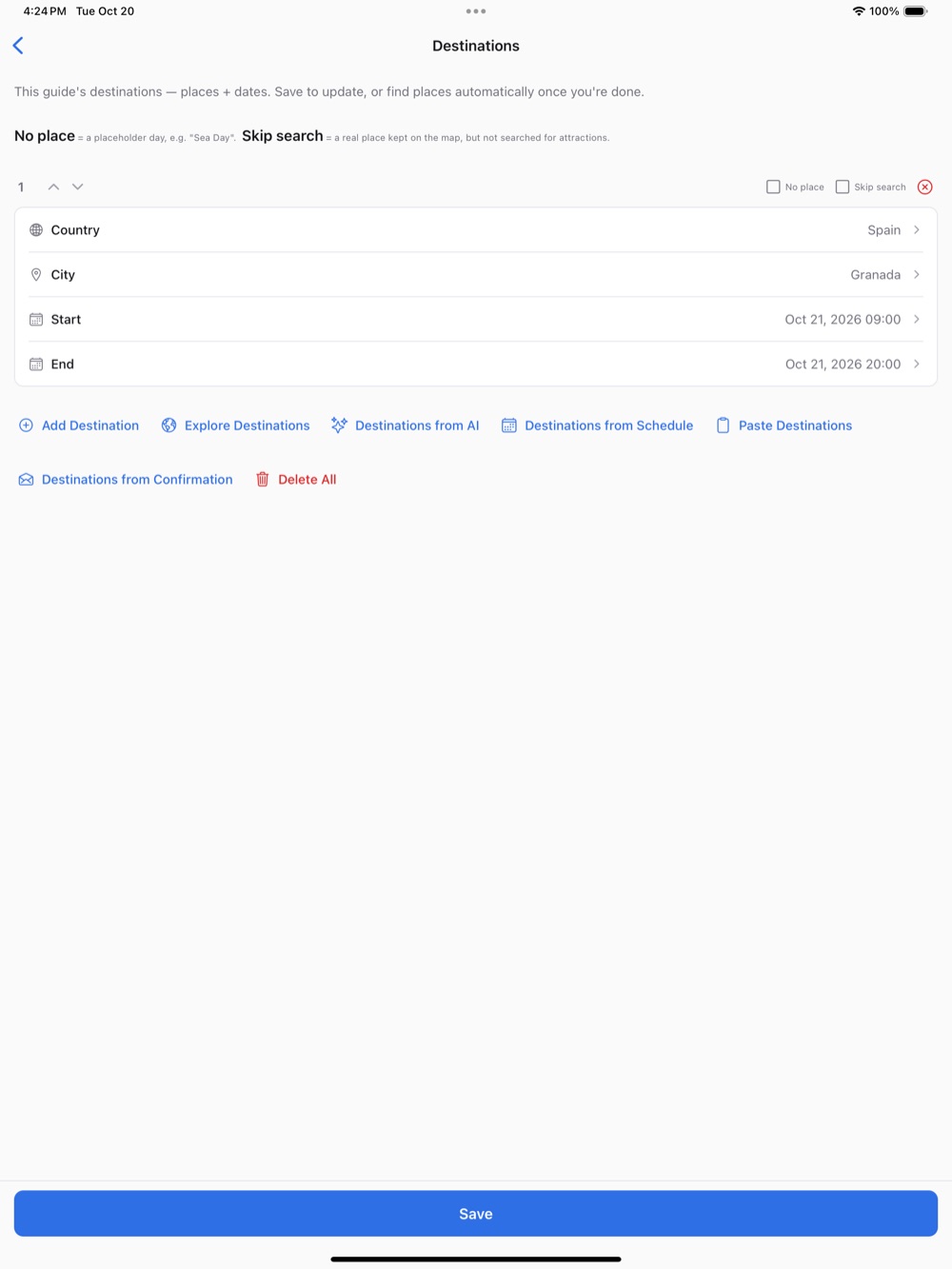
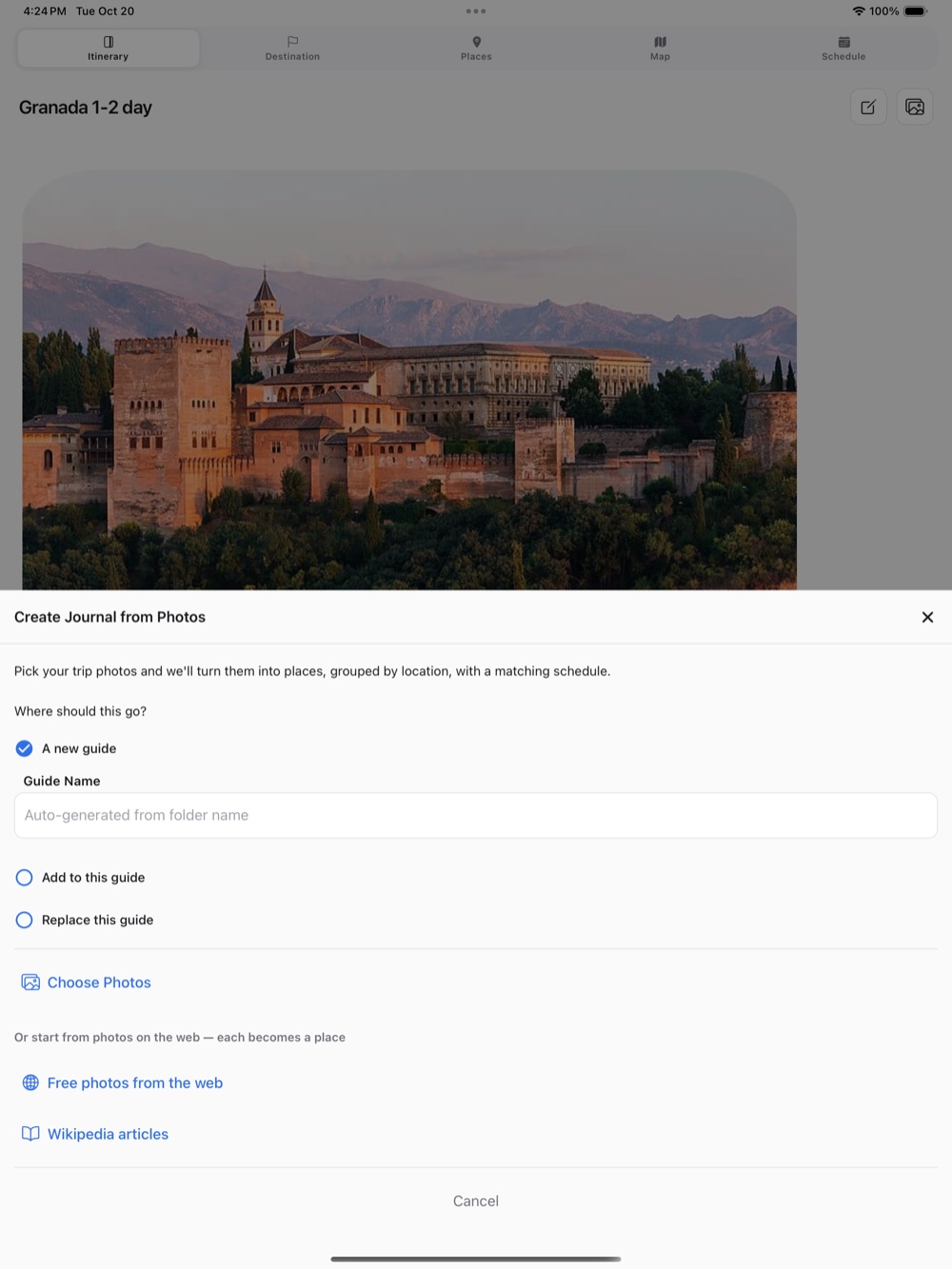
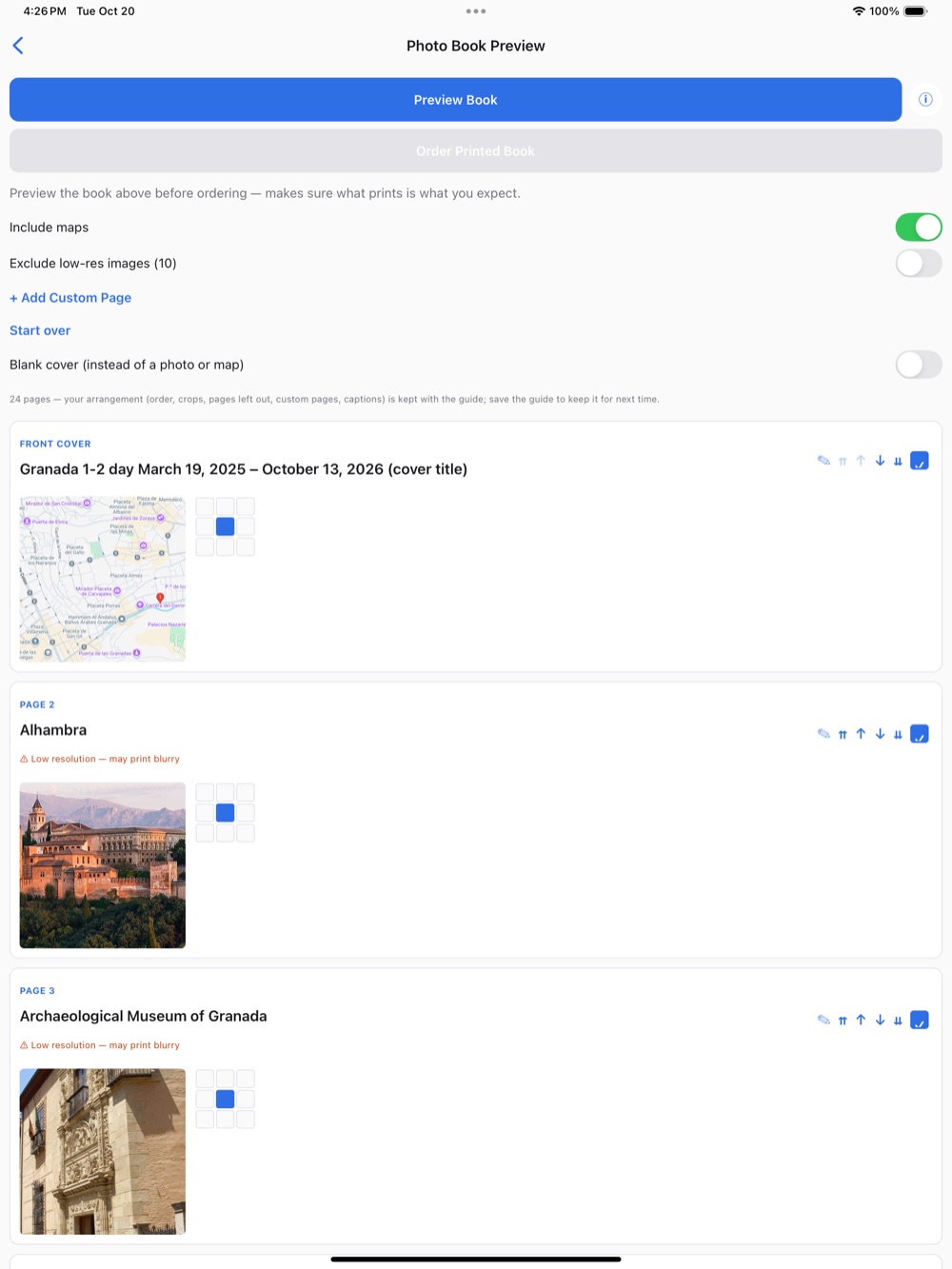
"Welcome"Stelle eine Reise zusammen, stöbere in den "Featured guides" oder starte mit einer leeren Vorlage."Build My Trip"Gib an, wohin und wann du reisen möchtest, und erhalte in wenigen Sekunden einen Tagesplan."Map"Alle Orte aus dem Guide auf der Karte – gefiltert nach Tag, Gruppe oder Kategorie."Schedule"Der Tagesplan, abgestimmt auf die Öffnungszeiten."Places"Alle Orte im Guide mit Fotos, Öffnungszeiten und Markierungen."Library"Deine Guides, mit dir geteilte Guides und die "Featured guides"."Destinations"Die Städte und Reisedaten – bereit für die Planung."Create Journal from Photos"Aus deinen Reisefotos werden Orte, ein Tagesplan und ein Reiseverlauf."Photo Book"Mach aus deiner Reise ein gedrucktes Fotobuch."How-To"Finde jede Funktion, indem du eingibst, was du tun möchtest.
Android
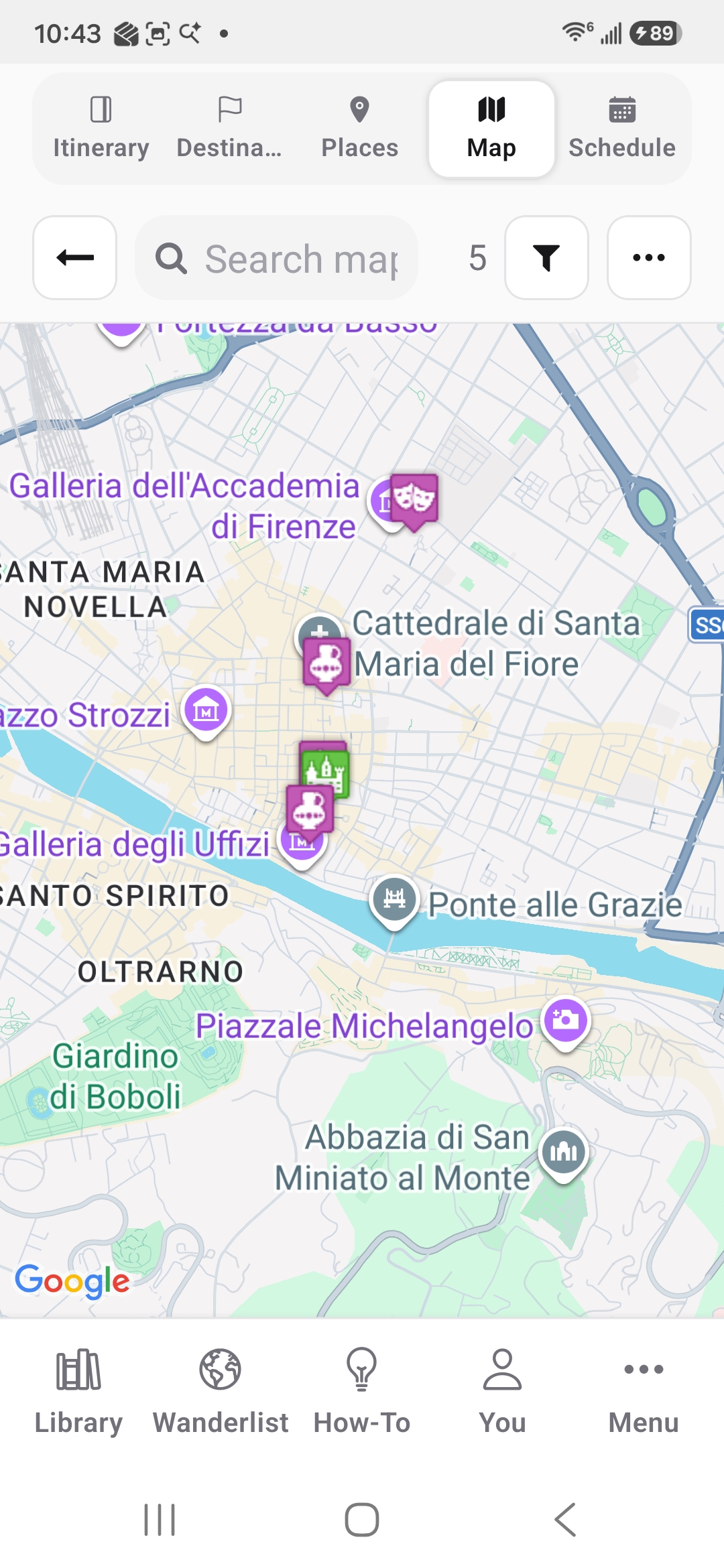
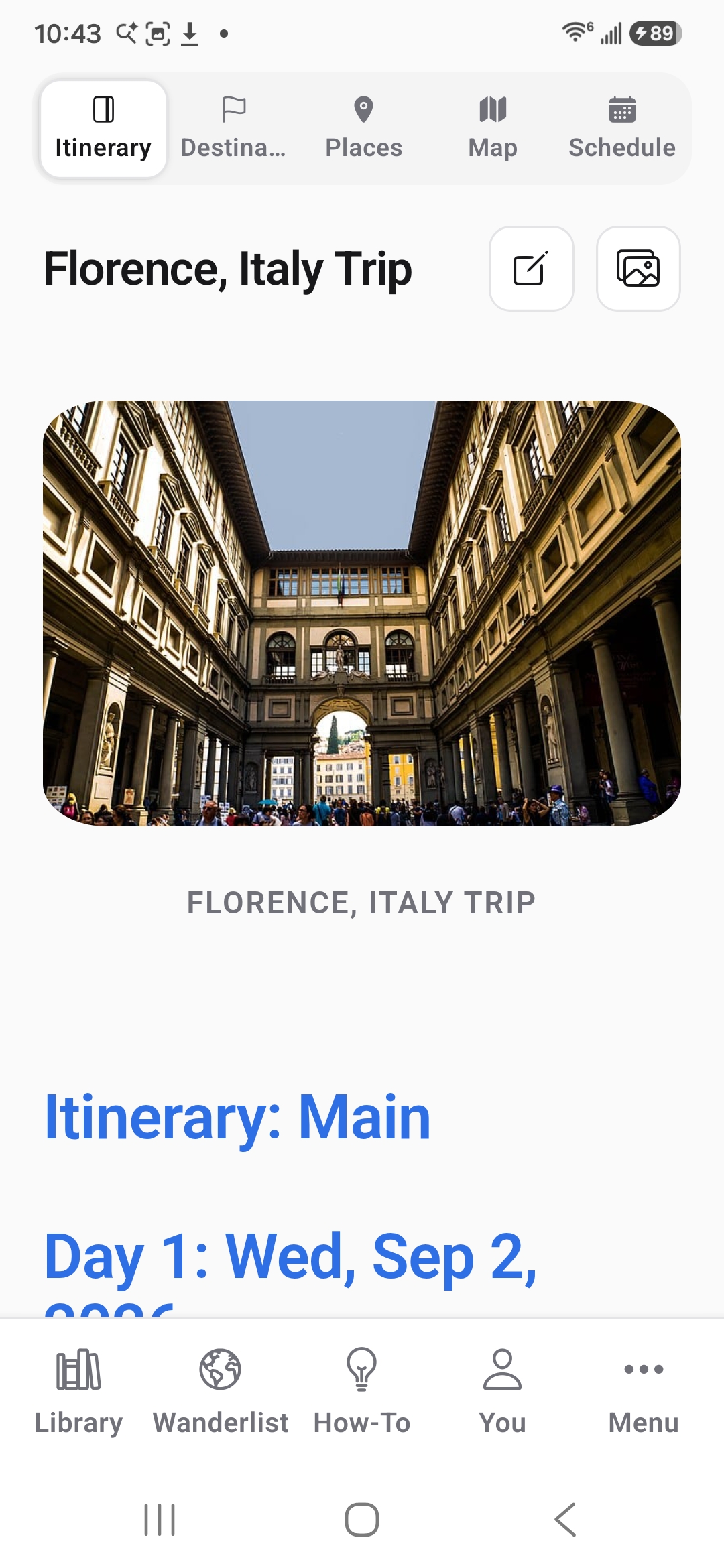
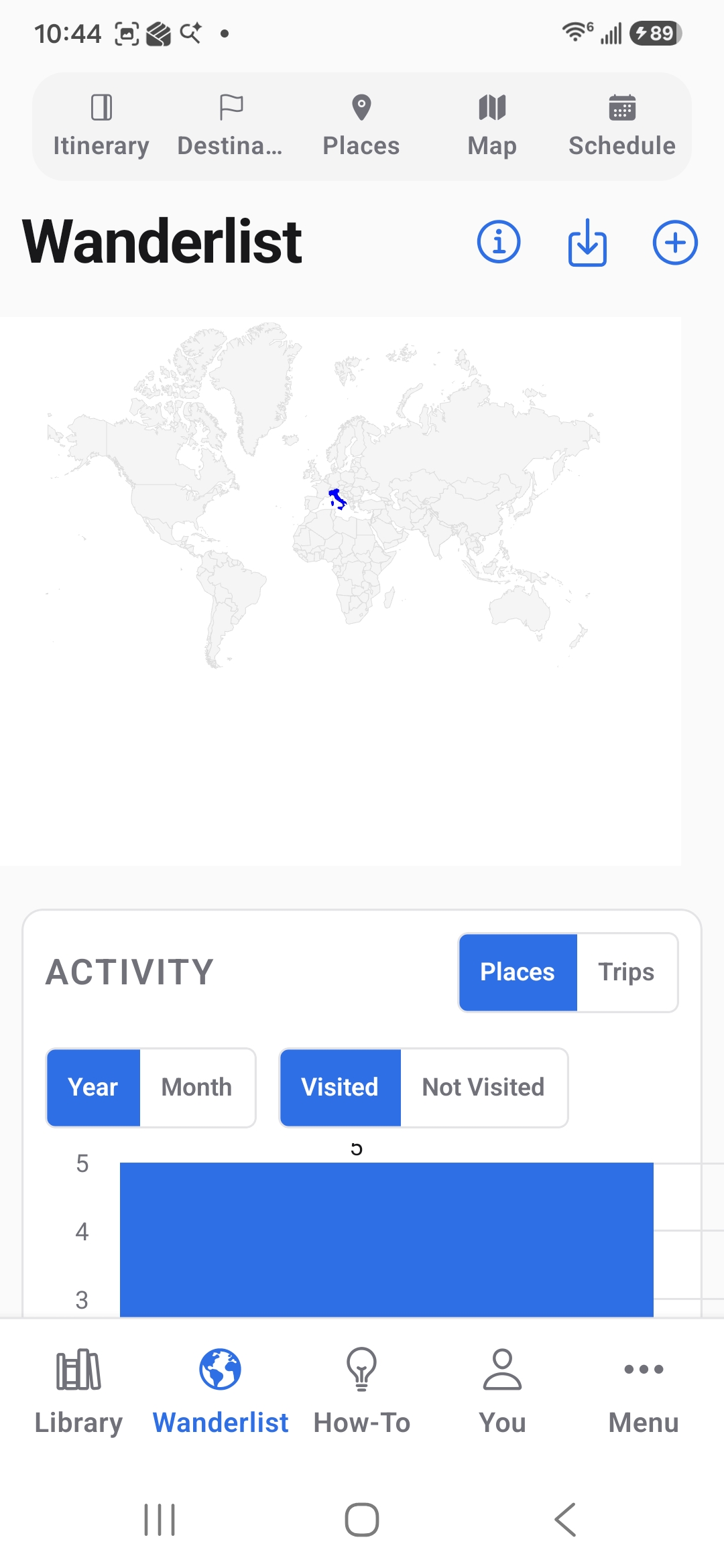
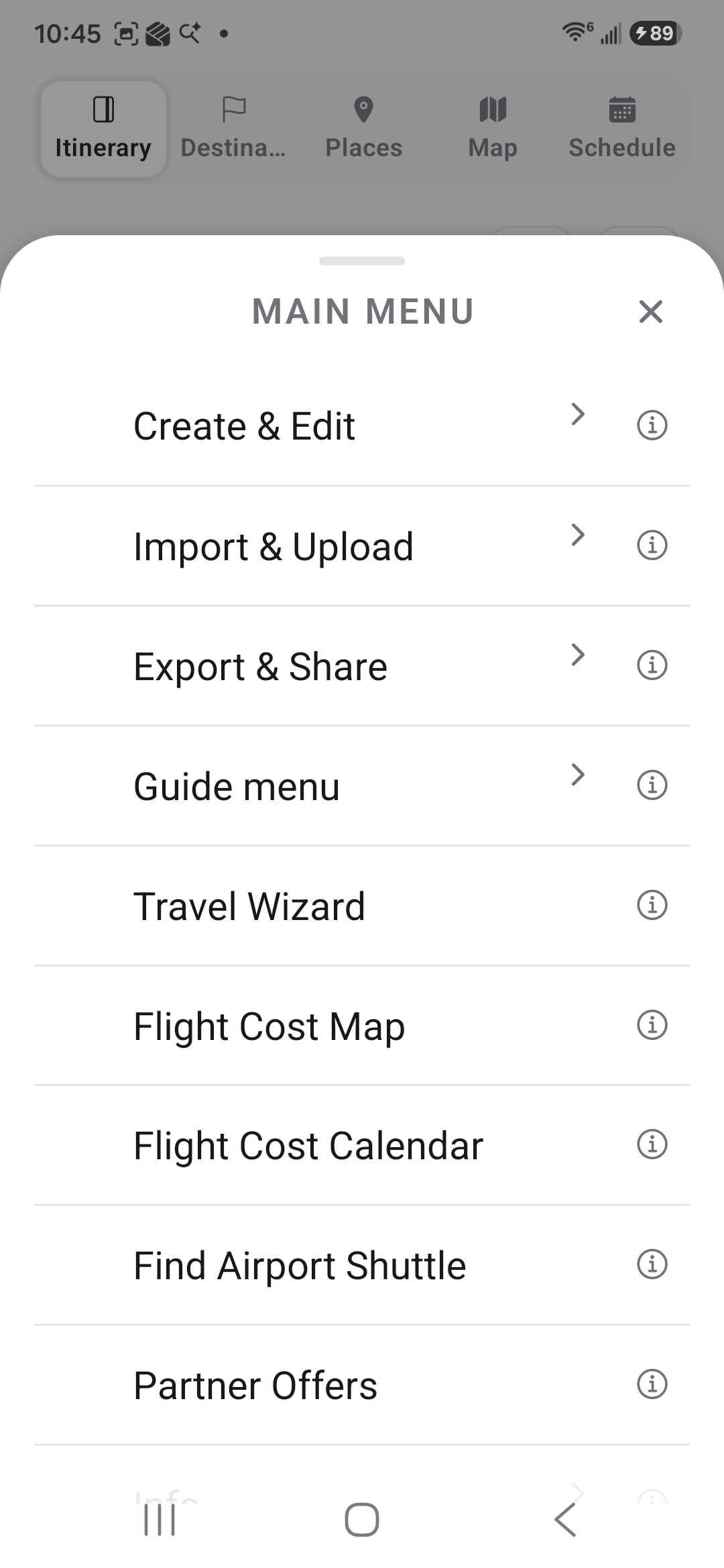
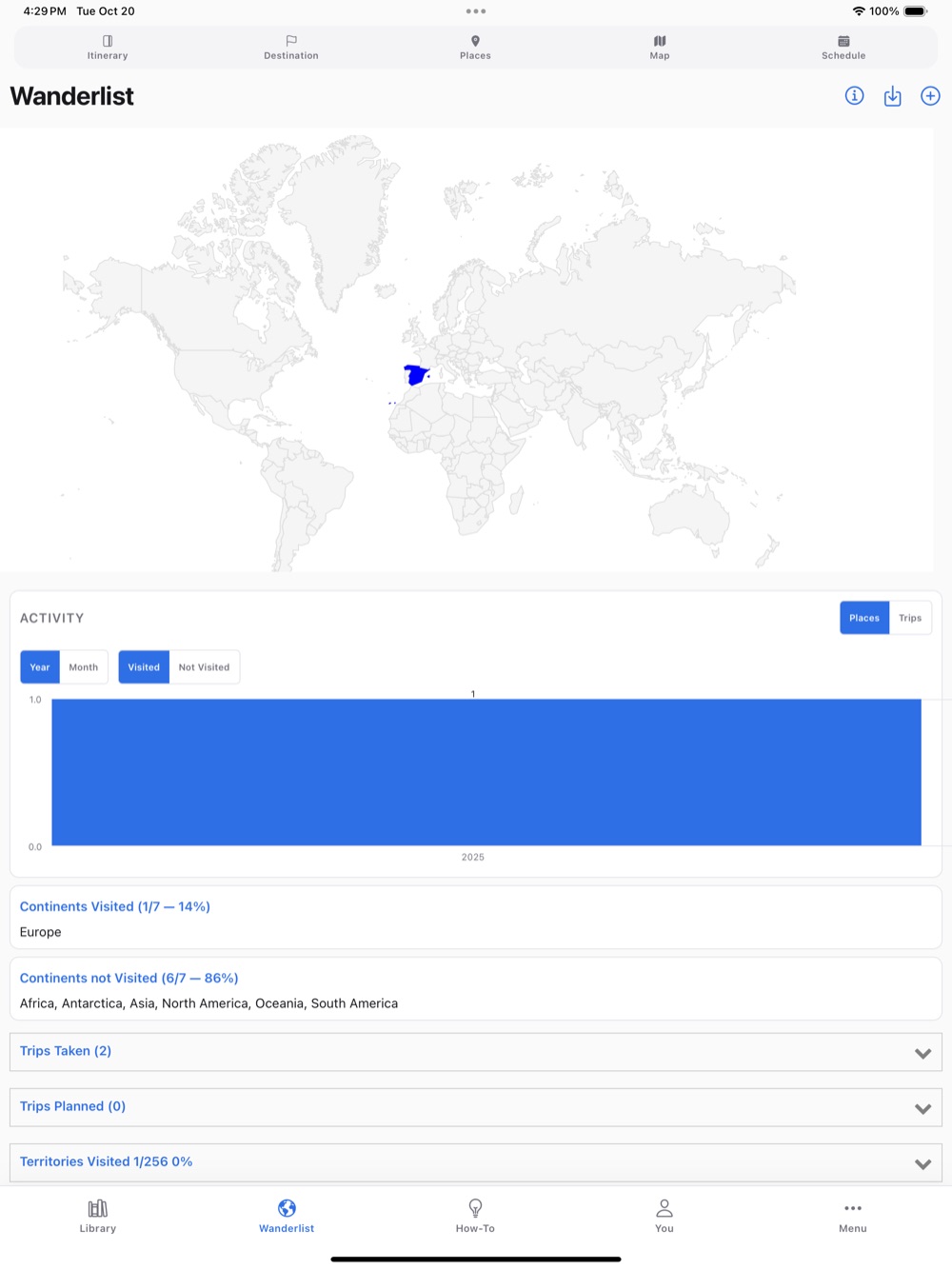
"Map"Alle Orte aus dem Guide auf der Karte – gefiltert nach Tag, Gruppe oder Kategorie."Itinerary"Der Tagesablauf mit Fotos, Wegbeschreibungen und Notizen."Library"Deine Guides, mit dir geteilte Guides und die "Featured guides"."Schedule"Der Tagesplan, abgestimmt auf die Öffnungszeiten."Explore destinations"Ideen für dein nächstes Reiseziel – mit fertigen Guides."You"Dein Konto, deine Einstellungen, Statistiken und Fotobücher."Wanderlist"Wo du schon warst und wohin du als Nächstes möchtest."Build My Trip"Gib an, wohin und wann du reisen möchtest, und erhalte in wenigen Sekunden einen Tagesplan."How-To"Kurze Guides und Videos zu jeder Funktion."Menu"Alles Weitere: importieren, exportieren, teilen, drucken und mehr.
iPad
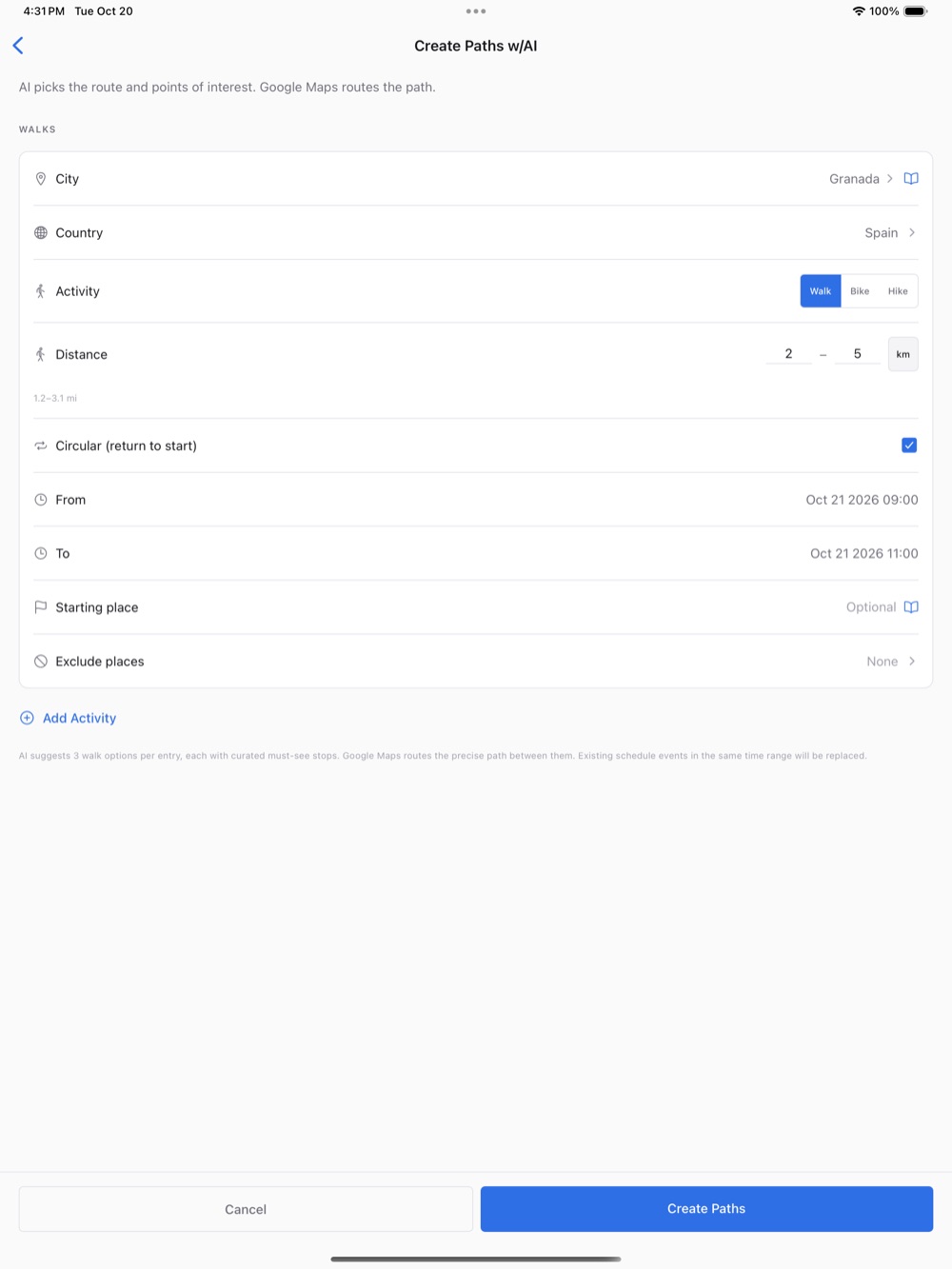
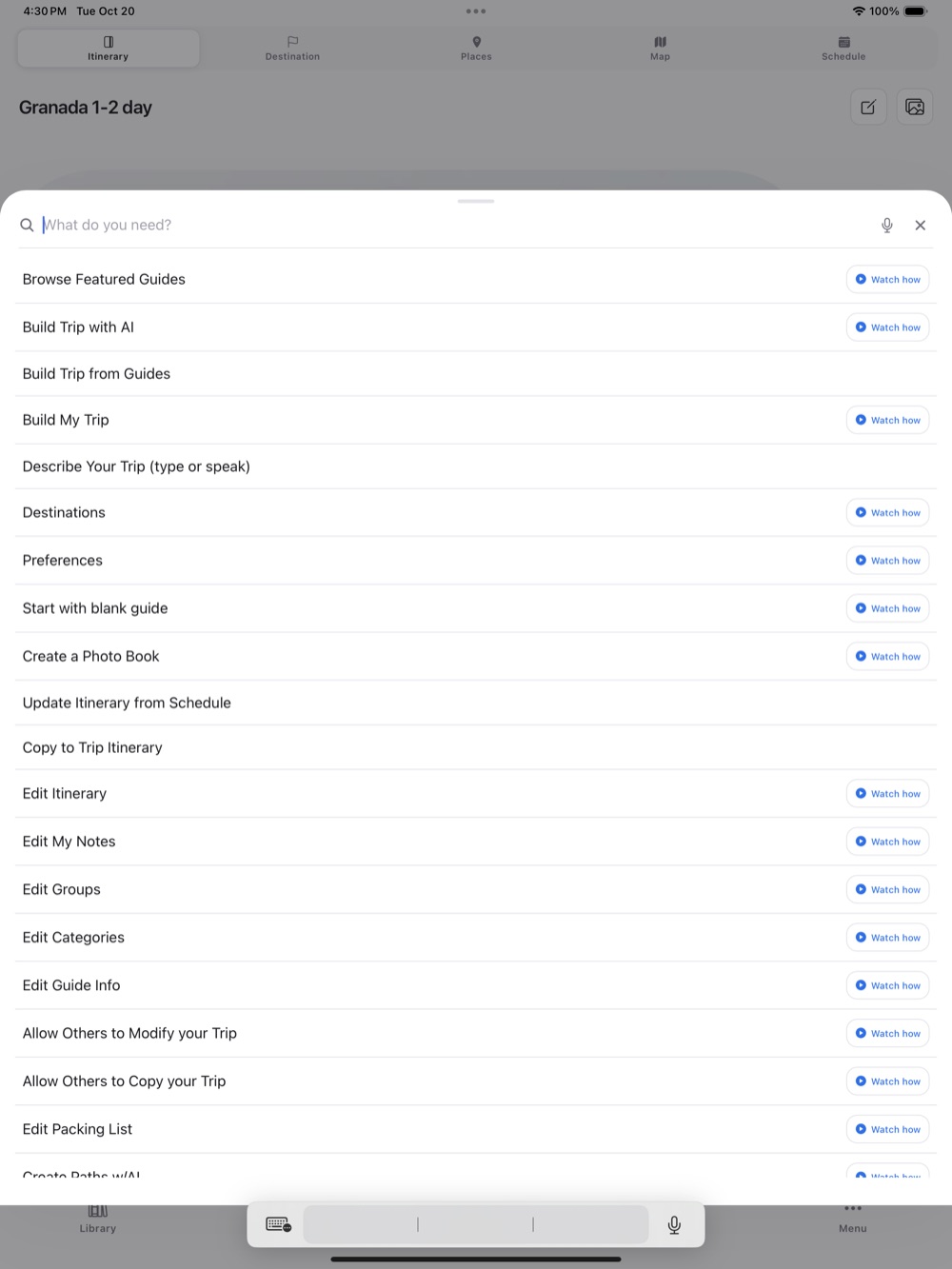
"Welcome"Stelle eine Reise zusammen, stöbere in den "Featured guides" oder starte mit einer leeren Vorlage."Build My Trip"Gib an, wohin und wann du reisen möchtest, und erhalte in wenigen Sekunden einen Tagesplan."Schedule"Der Tagesplan, abgestimmt auf die Öffnungszeiten."Destinations"Die Städte und Reisedaten – bereit für die Planung."Create Journal from Photos"Aus deinen Reisefotos werden Orte, ein Tagesplan und ein Reiseverlauf."Photo Book"Mach aus deiner Reise ein gedrucktes Fotobuch."Create Paths w/AI"Die KI wählt eine Route zu Fuß und die Sehenswürdigkeiten entlang des Weges aus."Wanderlist"Wo du schon warst und wohin du als Nächstes möchtest."How-To"Finde jede Funktion, indem du eingibst, was du tun möchtest.
 Andiamo Places